
Where the source plugs in.
Your player, console or PC connects to HDMI IN. The unit sits inline and offers the source whichever EDID you have selected.
HDMI IN · FRL / TMDSNo picture, a blank screen after a format change, or 4K120, VRR, Dolby Vision or Atmos that never shows up? Most of these start with what the source is told about the chain. DR HDMI 8K shows you that exchange and lets you decide it.
EDID emulation · HDMI 2.1 repeater · OLED status readout · web browser control
Each tab explains how DR HDMI 8K approaches a common HDMI fault. The method is always the same: make the capability exchange visible, change one thing on purpose, then check the result.
The OLED pages and the web server show RX and TX status next to the EDID in use. From there you can mirror the sink’s EDID, switch to a known table or change individual capability flags until the handshake behaves.
Read the HDMI handshake guide →Three EDID modes form the core. Copy the EDID of the connected display or AVR, load one of the stored tables, or take the sink EDID and override selected flags (AutoMix). Troubleshooting becomes a series of deliberate tests rather than a round of cable swaps.
Mirror the sink, choose from 100 tables, upload your own EDID file, or save the active EDID to custom slot 8, 9 or 10 for later use.
Cap the advertised FRL rate, switch VRR and ALLM on or off, and set HDR10 or HDR10+ (each with or without HLG), or remove HDR altogether.
Capture the display’s DV data block, reuse it in AutoMix when an AVR joins the chain, or create a custom block in the web interface.
Page through the incoming FRL rate, RX and TX EDID details, and unit info such as serial number, firmware version and IP address.
Over Ethernet you get the embedded web server, DHCP or static addressing, and IP/Telnet commands on port 2201 by default.
DR HDMI 8K is not a cure for every HDMI fault. What it adds is a fixed, readable point in the path, where you can see what the sink offers, what the source receives and which capabilities you let through.
Source, AVR, display, cable and the EDID they negotiate together all shape the outcome. With nothing to look at, every attempt at a fix changes several things at the same time.
Start from a known EDID, check the RX and TX information, then adjust only the capability you want to test.
As you scroll, the photo stays in place and each port or control is picked out in turn.
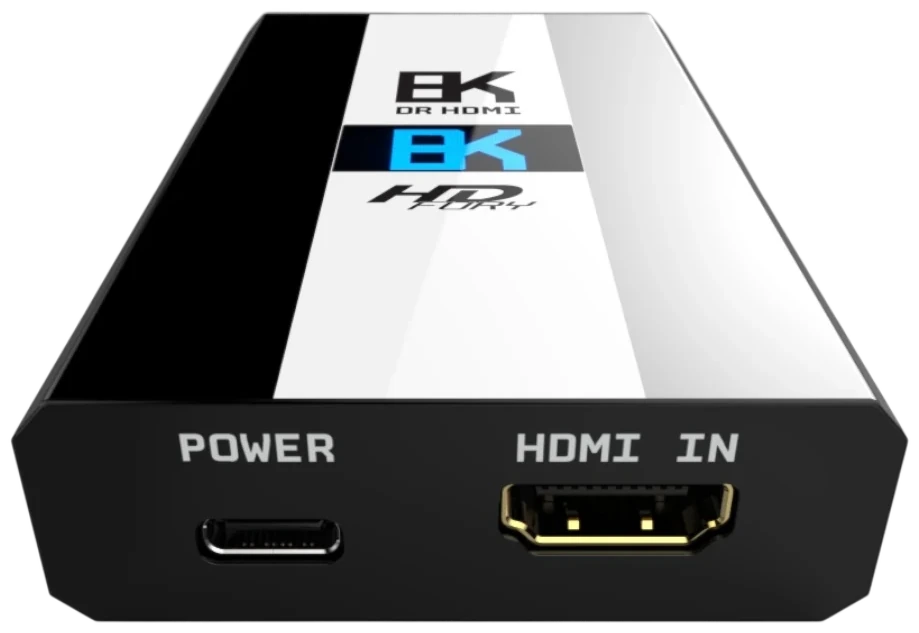
Your player, console or PC connects to HDMI IN. The unit sits inline and offers the source whichever EDID you have selected.
HDMI IN · FRL / TMDSHDMI OUT feeds the next device in the chain. DR HDMI 8K reads that device’s EDID and lists its capabilities in the interface.
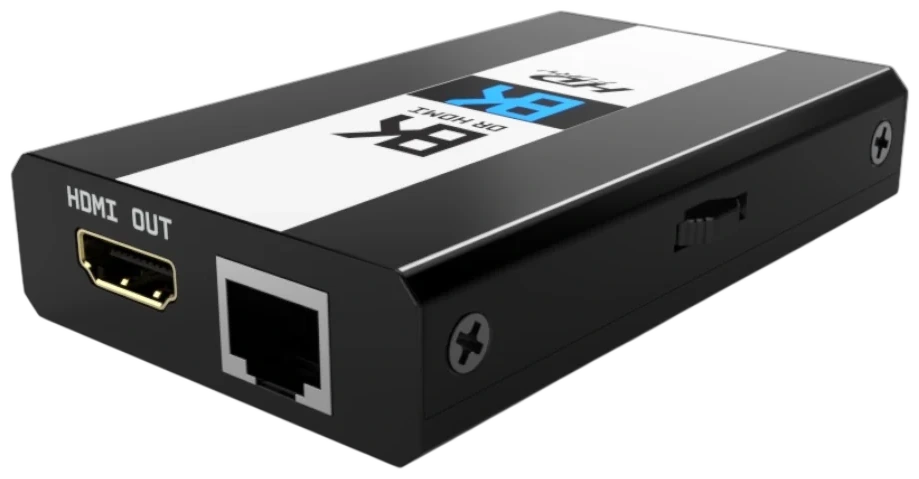
HDMI OUT · SINK EDIDConnect the RJ45 port to reach the built-in web server with its EDID, Dolby Vision, network, firmware and configuration settings.
RJ45 · WEB SERVER · TELNETThe blue OLED shows link status, the incoming FRL rate, EDID details, firmware version and IP information. The rotary switch pages through the screens.
OLED · ROTARY SWITCHEach guide focuses on one kind of problem, covers the HDMI background you need and shows where DR HDMI 8K fits into the diagnosis.
When a PS5, an Xbox Series console or a gaming PC will not offer 4K120 or VRR and the capability exchange may be the reason.
Read the gaming HDMI 2.1 guide → APPLE TV 4KWhy the Apple TV asks to retest Dolby Vision or HDR after an EDID change, and which settings affect Atmos output.
Open the Apple TV 4K guide → HANDSHAKEA method for pinning down EDID and hot-plug negotiation faults, one variable at a time.
Go to the handshake guide → DOLBY VISIONRead the display’s DV block, keep a working copy and create a custom one when your chain needs it.
Go to the Dolby Vision guide → EDIDCopy-sink, stored-table and copy-and-modify modes, plus uploading and saving your own EDID files.
Go to the EDID manager guide → 48GbpsWhat 1500MHz and 48Gbps demand from cables and endpoints, and the part EDID plays in getting there.
Go to the 8K / 4K120 guide →CABLESHow to tell EDID and handshake faults apart from power, bandwidth and signal-integrity problems on long cables.
Go to the long HDMI guide →PROJECTORUsing a fixed EDID to investigate slow lock-on, format switching and source → AVR → projector setups.
Go to the projector guide →AUDIOWhich audio formats the EDID advertises upstream, and how that shapes what a source is willing to send.
Go to the audio EDID guide →Tables 1–10 are custom default slots, preloaded with EDIDs from displays and AVRs such as the LG C9 and Denon S960H, and you can upload your own EDID into them. Tables 11–100 are predefined, running from 8K60 and 4K120 down to 720p60 and 480p60, each in 7.1, 5.1 and 2.0 audio versions. Filter the main groups below.
8K60 4:2:0 at FRL-5 with HDR. Tables 11–13 add VRR, and every set comes with 7.1, 5.1 and 2.0 audio.
4K120 4:4:4 10-bit at FRL-5 with HDR, with VRR included on tables 17–19.
4K120 4:2:0 with HDR and VRR on tables 23–25, again in three audio versions.
4K60 and 4K50 4:4:4 at 600MHz, plus 4K60 4:2:0 in 12-bit or 8-bit 300MHz form, each with and without HDR.
4K30 in 4:4:4 or RGB at 300MHz and 4K24 4:2:2 12-bit, most with BT.2020 and optional HDR.
1080p60 4:4:4 12-bit and 1080p24 4:4:4 in 12-bit or 8-bit, with HDR/BT.2020 versions, plus 8-bit 1080i60.
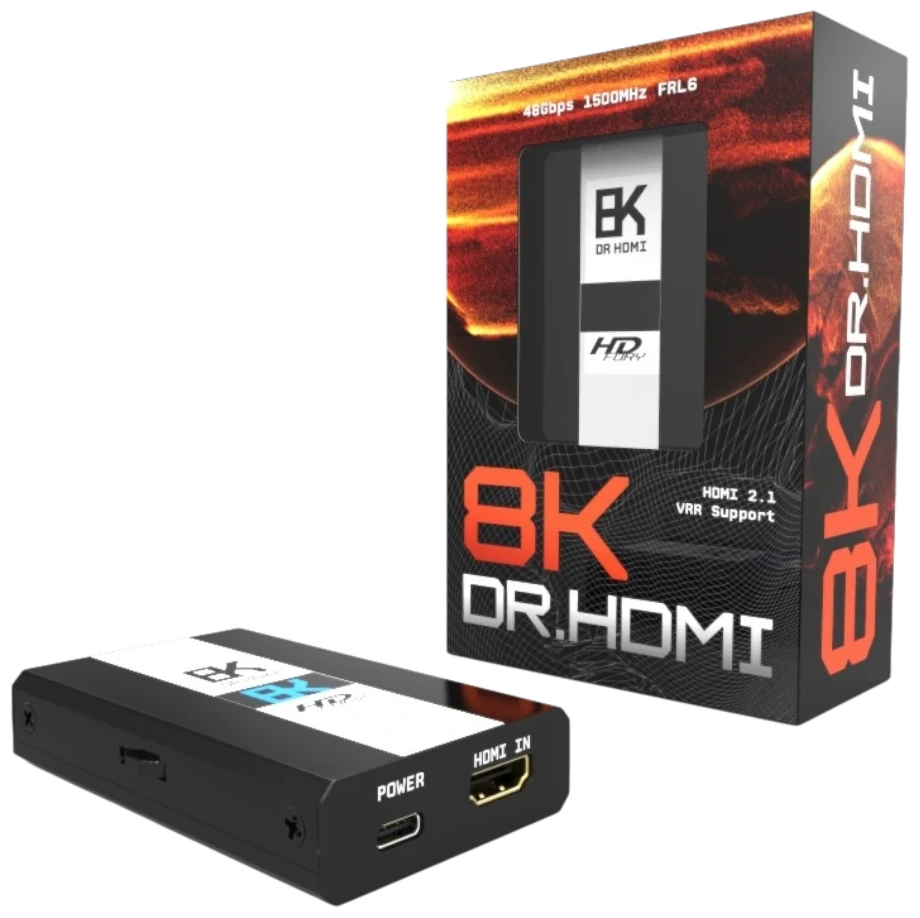
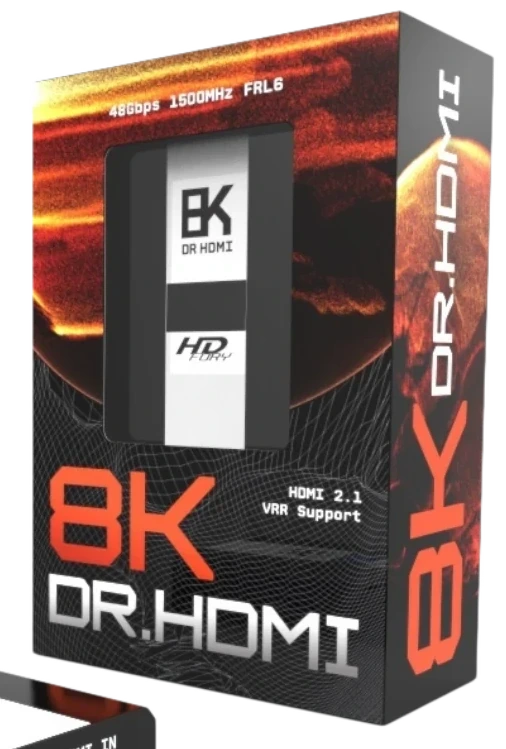
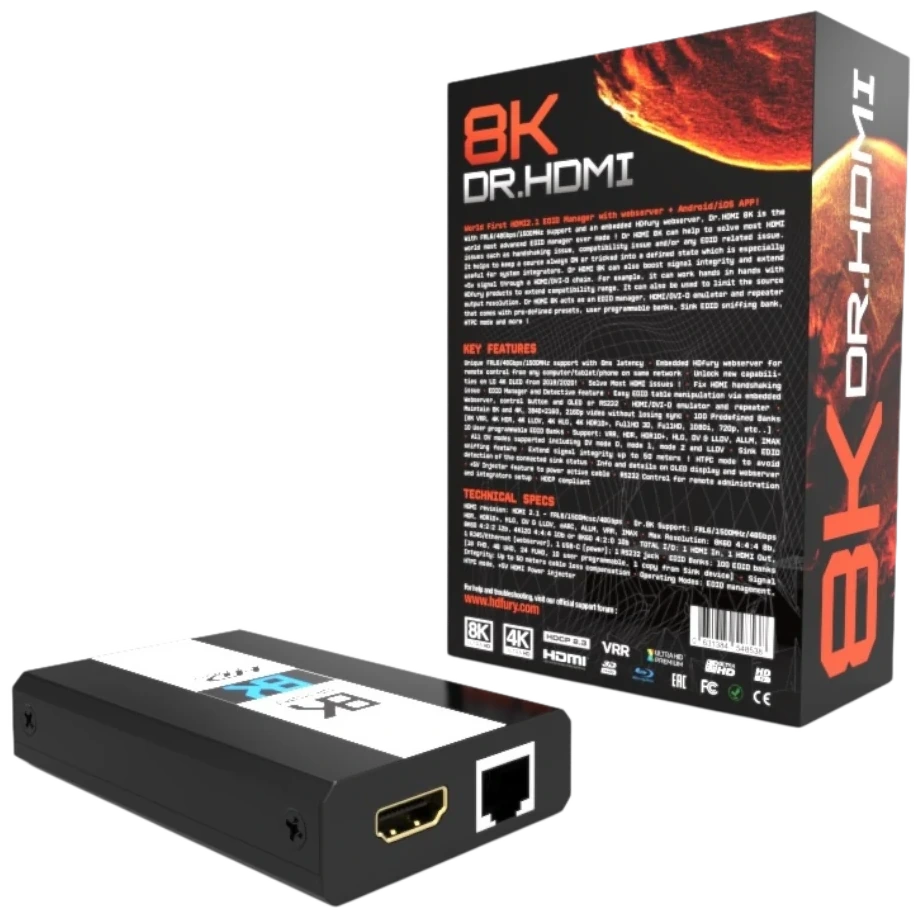
DR HDMI 8K is a compact black metal enclosure measuring 10 × 6 × 2.2 cm and weighing 120 g. A blue 1-inch OLED shows the status pages, and a rotary switch handles the on-device menu. It runs from an external 5V 2A supply connected by USB-C. The unit ships in an orange and black retail box, with the key features and technical specifications printed on the back.
Once the RJ45 port is on your local network, DR HDMI 8K serves its own control pages. Open them by IP address, by hostname (http://DR8K-XX/) or through mDNS (http://DR8K-XX.local/), where XX stands for the last two digits of the serial number. From there you manage EDID, Dolby Vision, OLED, network and firmware settings.
SIGNALACTIVE
LINKTMDS / FRL · LANES
RX / TXCONNECTED
EDIDCOPY · CUSTOM · AUTOMIX
NETWORKDHCP · STATIC IP · mDNS
| HDMI ports | 1 × HDMI 2.1 input, 1 × HDMI 2.1 output |
| Bandwidth | Up to 1500MHz / 48Gbps (FRL6) |
| Maximum video modes | 4K120 4:4:4 10-bit, 8K60 4:2:0 10-bit, 8K30 4:2:2 12-bit, plus DSC formats within 48Gbps |
| EDID modes | Copy sink EDID, custom/predefined table, copy sink EDID and modify (AutoMix) |
| EDID tables | 100 in total: 10 custom-default slots + 90 predefined tables |
| Video flags | FRL rate (off or FRL1–FRL5 maximum), VRR, ALLM, HDR and Dolby Vision |
| Audio pass-through | PCM up to 192kHz, Dolby TrueHD, Dolby Atmos, DD+, DTS, DTS-HD MA, DTS:X, DSD, DST and HBR |
| Control and network | Rotary switch with OLED menu; RJ45 Ethernet with embedded web server and IP/Telnet/HTTP commands; DHCP or static IP, hostname and mDNS access |
| Display | 1-inch blue OLED, 128 × 64 pixels |
| Power | External 5V 2A supply via USB-C |
| Size and weight | 10 × 6 × 2.2 cm (3.9 × 2.3 × 0.8 in), 120 g (0.26 lb) |
| Input lag | Under 1 ms |
| Certifications | CE, EAC, FCC, RoHS |
An HDMI 2.1 EDID manager, emulator and repeater. It sits between a source and the next device in the chain and lets you see and control the capability information they exchange.
The DR HDMI 8K manual (Rev 1.2) lists 1500MHz / 48Gbps operation with maximum formats of 4K120 4:4:4 10-bit, 8K60 4:2:0 10-bit and 8K30 4:2:2 12-bit, plus DSC-compressed signals.
Yes, that is one of the main reasons to use it. With a fixed EDID, RX/TX status and an on-demand hot-plug reset, you can work out whether a fault comes from negotiation between the source and the downstream devices.
Connect the RJ45 port to your local network, then enter the IP address shown on the OLED, the hostname or the mDNS address in a browser on the same network.
It captures the Dolby Vision data block from the connected display, shows it in readable form and can reuse it in an AutoMix EDID. The web interface also lets you build a custom DV data block, for example for LLDV setups.
Available from the official DR HDMI 8K product page at HDFury.eu.